5 October 2026 VoxioTelecom Team
Press-1 Dialer: How Voice Broadcasting Campaigns Work
A practical guide to compliant Press-1 voice campaigns: contact lists, audio or TTS, SIP agent transfers, caller ID, capacity, AMD and campaign metrics.
A practical guide to compliant Press-1 voice campaigns: contact lists, audio or TTS, SIP agent transfers, caller ID, capacity, AMD and campaign metrics.
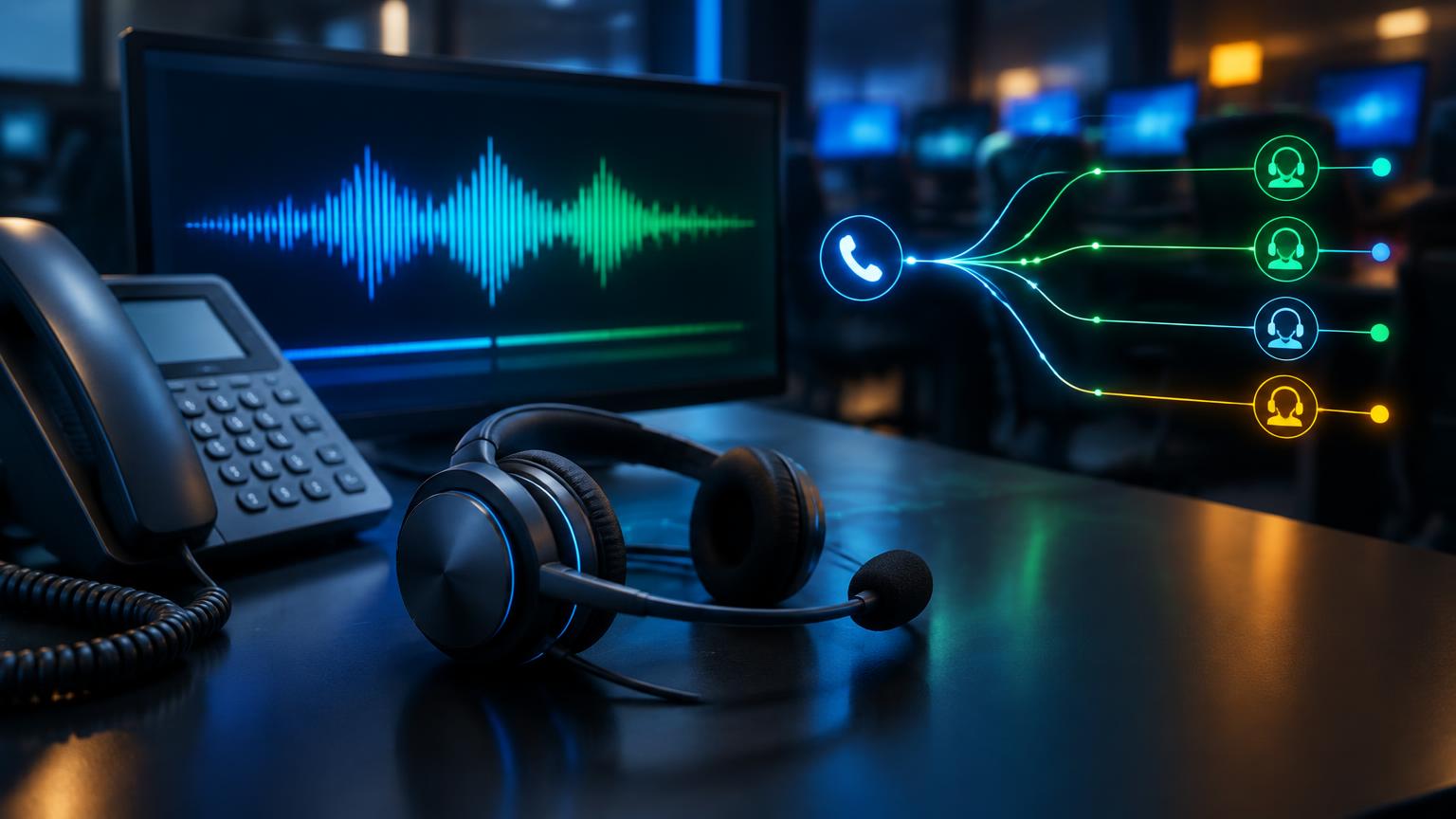
Short answer: A Press-1 dialer automatically calls a permitted contact list, plays a recorded or text-to-speech message, and transfers interested people who press 1 to an available agent. It is useful for compliant opt-in voice campaigns because agents spend their time on respondents rather than unanswered calls.
Press-1 voice broadcasting combines an outbound dialer, an audio message, keypad detection and a transfer destination. The workflow is simple for the recipient, but a reliable campaign still depends on list quality, capacity, agent availability, caller ID and legal permission to call.
This guide explains how Press-1 campaigns work, how to configure one and which measurements matter after launch.
A Press-1 dialer is an outbound voice system that launches calls from a list. When a person answers, the system plays a message with a clear action such as “press 1 to speak with an agent.” If the recipient presses the requested key, the platform transfers the live call to a SIP extension, agent group or other configured destination.
The defining feature is intent before transfer. The agent receives callers who have actively selected the option, instead of waiting through ringing, voicemail and immediate hang-ups.
Press-1 is also called voice broadcasting with keypress transfer, interactive voice broadcasting or a Press-1 campaign. It should not be confused with an inbound IVR menu, although both use DTMF keypad input.
VoxioTelecom's Press-1 service is managed from the same customer portal and account balance used for voice services.
| Feature | Press-1 dialer | Predictive dialer |
|---|---|---|
| First interaction | Recorded or TTS message | Live agent after prediction |
| Transfer trigger | Recipient presses a key | Dialer predicts agent availability |
| Agent time | Focused on interested respondents | Includes more immediate dispositions |
| Message consistency | Same approved message on each answer | Depends on agent conversation |
| Best fit | Alerts, opt-in outreach, lead qualification | Agent-led outbound calling |
Neither model is automatically appropriate for every campaign. The lawful basis, consent rules, calling hours and opt-out handling depend on the location and purpose of the call.
Use recipients you are legally allowed to call. Remove duplicates, invalid entries, prior opt-outs and restricted numbers before upload. Keep records showing how the list was collected and when consent or another lawful basis was established.
The VoxioTelecom platform accepts pasted numbers or CSV/TXT uploads. Normalize every destination into a consistent international format so routing and reporting remain accurate.
The message should identify the caller, explain the purpose quickly and state the action clearly. Avoid long introductions. The recipient needs enough information to make an informed choice before pressing a key.
You can upload a recording or write a message for text-to-speech. Listen to the preview before launch and test it over an actual phone connection, not only through computer speakers.
Select a SIP extension or agent group that can receive transferred calls. A group is useful when several agents share the workload because the first available agent can answer.
Test the destination independently before starting the campaign. Confirm that the extension registers, rings, has two-way audio and can handle the expected simultaneous transfers.
Use a fixed caller ID you own or are authorized to present. If a campaign uses a permitted pool, every number in that pool still needs to comply with applicable rules and provider policy.
Caller ID rotation does not make prohibited calling acceptable and should never be used to evade blocking or impersonate another party. Review VoxioTelecom's Acceptable Use Policy before launch.
A recorded message gives the team complete control over voice, pacing and pronunciation. It is a good choice for established campaigns and brand-sensitive communication.
Text-to-speech is faster to update and useful during testing. Small copy changes do not require a new recording session. Always preview names, abbreviations, currencies and phone numbers because automated pronunciation can differ from written intent.
Whichever method you choose, use one clear request. If the keypress instruction is buried inside a long message, fewer recipients will understand what to do.
Campaign capacity has two sides: outbound channels and available agents. Increasing channels can create more answered calls, but it can also send more transfers than the team can accept.
Estimate capacity from observed performance:
Begin with a conservative channel limit. Watch the transfer queue and missed transfers, then increase gradually. If recipients press 1 and reach no agent, the campaign wastes both the call and the recipient's intent.
Answering-machine detection, often called AMD, attempts to distinguish a person from voicemail. It can reduce the number of recordings or transfers sent to machines, but it is not perfect.
Treat AMD as best-effort filtering. Short greetings, background noise and unusual carrier announcements can affect detection. Measure results from your own destinations and message rather than assuming a universal accuracy rate.
A stable, recognizable caller ID can help recipients understand who is calling and provide a valid return path where appropriate. A pool can distribute legitimate campaign traffic across authorized numbers, but it adds operational responsibilities: number ownership, reputation monitoring and consistent identity.
Before using any caller ID:
For the technical distinction between route classes, read CLI vs non-CLI routes.
Attempts show list throughput; answers show how many calls reached a person or answering device according to network signaling. Compare answer rates only across similar lists, destinations and calling windows.
This is the number of keypress events divided by answered calls. It reflects the combined effect of list relevance, message clarity, timing and offer—not just route performance.
Track how many Press-1 events become answered agent calls. A gap may point to insufficient staffing, an unavailable SIP extension, queue timing or transfer configuration.
Review cost together with successful transfers and useful agent conversations. The lowest cost per attempt is not necessarily the lowest cost per qualified conversation.
Release codes help separate invalid numbers, busy subscribers, rejected calls and temporary network failures. Use them to clean future lists and avoid unnecessary retries.
Voice broadcasting rules vary by country, region, call purpose and recipient type. Some automated or prerecorded calls require prior consent. Calling-hour restrictions, identification requirements, internal do-not-call lists and easy opt-out processes may also apply.
The campaign owner is responsible for the list and the legal basis for calling. Do not buy an unknown list and assume the dialer makes its use lawful. Consult qualified legal counsel for the jurisdictions you target and follow the Acceptable Use Policy.
A compliant workflow should make suppression permanent and operationally simple. When a recipient opts out, ensure future uploads do not reintroduce the same number.
The audio can work while the agent extension fails. Test the complete path from outbound answer to keypress and two-way agent audio.
Recipients decide quickly whether to continue. Identify the caller and purpose early, then give one clear instruction.
More channels do not help when every agent is busy. Scale outbound attempts according to actual Press-1 and agent occupancy data.
Voicemail detection is probabilistic. Review recordings and dispositions to understand how it behaves for your traffic.
A global list can cross many local calling windows. Segment it by destination and schedule each segment appropriately.
A larger caller ID pool does not change ownership or consent rules. Every presented identity must be authorized.
The platform transfers the live call to the SIP extension or agent group selected in the campaign. The destination must be online and have available capacity.
Yes. VoxioTelecom Press-1 campaigns support uploaded audio. The portal also supports text-to-speech when no recording is available.
Yes. Transfers can ring a configured SIP extension used by a compatible softphone or desk phone. Agent groups can distribute transfers to available staff.
The platform provides answering-machine detection. It is best-effort and cannot correctly classify every answer scenario.
Campaign calls use the account balance and applicable voice rates. The current service page lists the subscription terms separately from usage charges; review it before launch.
Use only caller IDs you own or are authorized to present. Any fixed or pooled configuration must comply with destination law and the provider's acceptable-use rules.
Start with a small internal or controlled segment. Verify message playback, DTMF detection, transfer, agent audio, reporting and cost before increasing volume.
Prepare a permitted list, a concise message and a tested SIP destination. Create the campaign with a conservative channel limit, validate the full call flow and scale only after the reporting matches what your agents observe.
Open the Press-1 service or create an account to configure your first campaign.
Create an account to browse the full A-Z deck in your portal — Premium CLI and Standard clearly labelled, searchable by prefix or destination.