You have bought a number. Now the calls have to land somewhere you control. This is the part most guides skip: what actually travels between the caller''s handset and your PBX, which format your dialplan has to match, and the four reasons inbound DIDs silently fail.
What happens between the dial and your phone
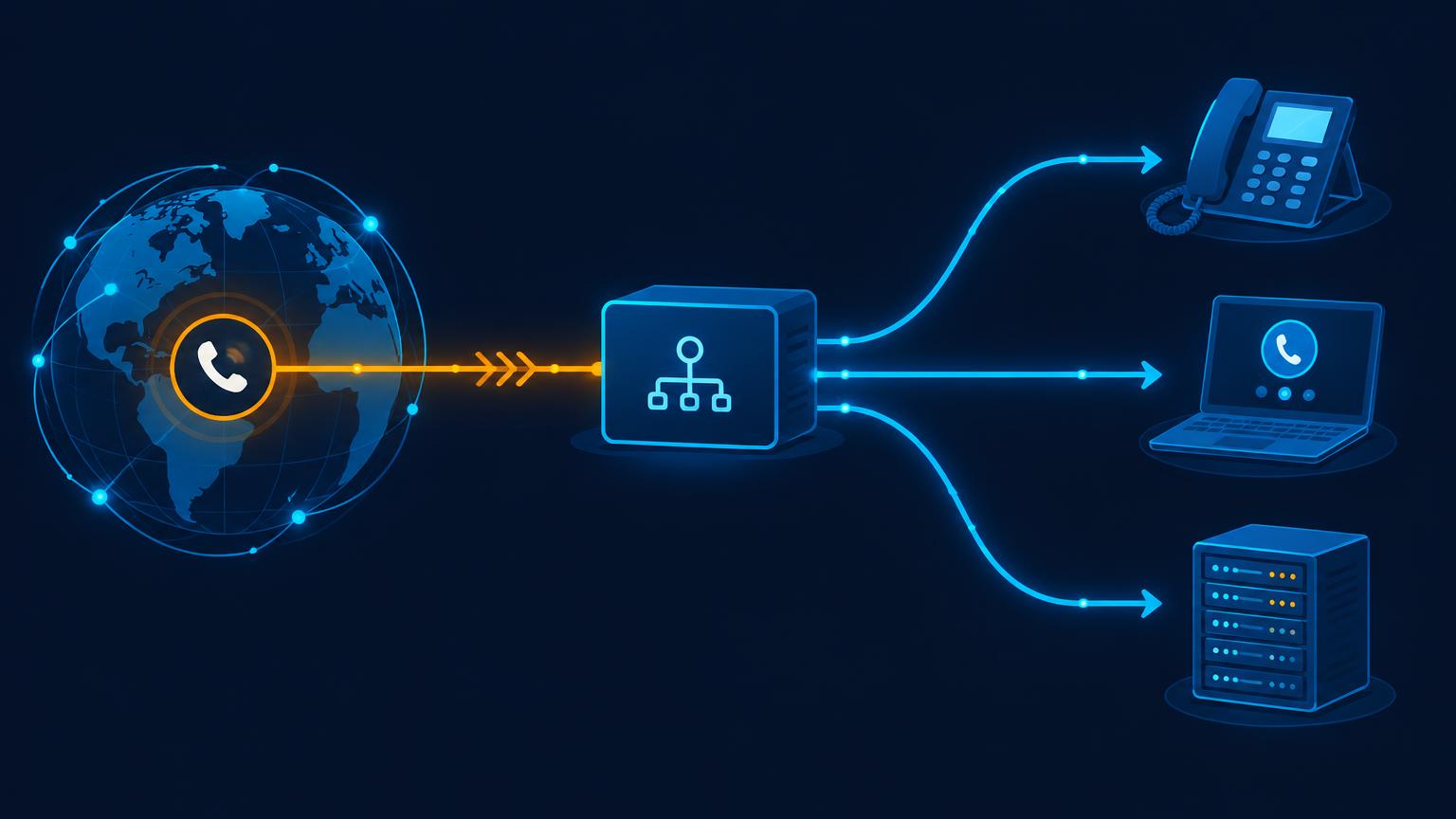
When someone dials your DID, the call does not "know" where you are. It walks a chain:
- The caller''s carrier resolves the number and sends the call toward the carrier that owns the range.
- That carrier hands the call to our gateway. In SIP terms this is an INVITE whose To header carries the number the caller dialled, in international (E.164) form —
+442079460000, +15125550123.
- Our SBC looks up where that number is assigned. If it is yours, the call is forwarded to the destination you configured: a SIP trunk on your switch, a specific trunk in your account, or an external URI.
- Your PBX reads the To header, matches it in its dialplan, and rings the extension, queue or application you attached to it.
The number decides where the call goes. The trunk decides how it gets there. Channels decide how many at once. Keeping those three separate makes troubleshooting much shorter when something breaks.
Because the destination is just a SIP address, the same number can point at an on-premise Asterisk box, a cloud PBX, a softphone registered to your switch, or a voice application. Nothing about the number is tied to a device.
Step 1 — Decide the number format your system matches
This single decision causes most "my DID doesn''t ring" tickets. Our gateway delivers the dialed number in E.164 (+442079460000). Many older dialplans, however, were written to match national format (02079460000) or the number without the leading zero (2079460000).
Pick one of three approaches and apply it consistently:
- Match E.164 directly. Cleanest option. Match the full
+44… string.
- Strip the plus and the leading zero. Add a preprocessing rule that rewrites the incoming To header into the format your existing routes already expect.
- Match both. Add a second pattern pointing at the same destination. Cheap insurance during a migration.
In Asterisk/FreePBX that preprocessing is usually a from-did-intro or a strip-prefix setting on the trunk; in FreeSWITCH it is a regex on the destination_number variable. The principle is identical: normalise the number once, at the edge, then let every downstream route use one format.
Step 2 — Tell the number where to go
In the portal, each DID is assigned to a destination when you order it and can be reassigned later:
- A SIP trunk in your account — the usual case. All inbound legs for that number arrive on that trunk.
- An external URI — for third-party PBXs and applications. Send the SIP URI you want traffic delivered to.
- A failover destination — a second URI used when the primary is busy or unreachable, so a caller hears a real answer rather than dead air.
Two options matter here and are worth setting deliberately:
- Caller ID passthrough keeps the original caller''s number on the inbound leg. Leave it on unless your downstream system genuinely cannot handle an unexpected CLI — you need it for call recording, screen pops, and fraud checks.
- Encrypted inbound (TLS/SRTP) turns on transport and media encryption for that destination. Enable it when your PBX supports it; it does nothing for legacy endpoints that only speak UDP and RTP.
Step 3 — Build the inbound route on your PBX
A minimal FreePBX-style inbound route is three fields:
| Field | Value |
|---|
| DID number | +442079460000 (or your normalised form) |
| Caller ID | blank (any caller) |
| Destination | extension, ring group, IVR or queue |
If you run several DIDs on one trunk, the destination can branch on the To header instead of creating one route per number — a single dialplan block that maps numbers to queues scales better than a hundred manual entries.
Then confirm the switch will actually accept the traffic:
- IP authentication: add our gateway addresses to your allow list, or bind the trunk to a source address you control.
- Registered authentication: make sure the trunk''s credentials are still valid and the registration has not expired.
- Codec: carry G.711 (a-law/u-law) at minimum. Opus and G.722 are fine as extras, but a PBX that offers only Opus will fail against PSTN-originated calls.
- DTMF: send RFC 2833 or SIP INFO, not inband, or IVR menus will swallow digits.
Step 4 — Size the channels, then verify with a real call
Channels are concurrent calls, not a monthly allowance. A 5-channel number that receives a sixth simultaneous call gives that caller a fast busy tone, which is indistinguishable from a broken line. Size from your busiest hour in the CDRs and leave headroom for campaigns.
Verification takes under a minute and should be done before you publish the number anywhere:
- Call the DID from a mobile, not from a softphone on the same network — you want a real PSTN leg.
- Check that it rings the destination you configured, on the first attempt.
- Confirm the caller''s number arrives intact (CLI passthrough worked).
- Confirm two-way audio; a one-way call is a media problem, not a routing problem.
- Hang up and check the CDR in the portal. If the leg is recorded with the right duration, the number is genuinely live.
The four failure modes, and what they mean
404 Not Found. The gateway delivered the call, but your PBX has no route matching the To header. Almost always the number-format mismatch from step 1. Log the raw To header and compare it character by character with what the route expects — the leading + is the usual suspect.
480 Temporarily Unavailable / 486 Busy Here. Your system reached a destination that is not accepting calls: an unregistered endpoint, an exhausted ring group, or genuinely all channels in use. If you see this under load rather than at night, you need more channels.
503 / 504 Service Unavailable. Your PBX is unreachable from our network — a firewall that dropped the new source IP, a NAT binding that expired, or a SIP ALG on the router rewriting contact headers. Disable ALG and re-test before you touch the dialplan.
One-way audio or calls that drop after about a minute. A media path problem, not a signalling one. RTP is being negotiated to a private address, or the session has no keepalive so the NAT mapping times out. Fix it by pointing your PBX at the correct external address and enabling RTP timeouts/keepalives, not by changing the inbound route.
If the failure is on our side — a number that stops delivering after being live — the failover destination takes the traffic while the route is repaired, and per-DID CDRs show exactly when the traffic stopped arriving.
Security notes for inbound DIDs
Inbound trunks are exposed to the whole internet, so treat them like any other public endpoint:
- Allow-list by IP or enforce digest authentication; never accept unauthenticated INVITEs from
0.0.0.0/0.
- Enable TLS for signalling and SRTP for media where the endpoint supports it.
- Watch for CLI spoofing on inbound legs: a caller ID is an unverified claim unless your provider attests it. Do not use CLI alone to authenticate a customer.
- Rate-limit registration attempts and flag repeated 403/404 spikes — that is the sound of someone scanning your trunk.
Where to go next
The routing options above are configured per number in the portal, and the docs cover trunk setup in more depth:
SIP trunk documentation · Buy a DID number · FreePBX setup walkthrough · Talk to the NOC