10 November 2026 VoxioTelecom
SIP Trunk Channels vs CPS: How to Size Call Capacity
Learn how SIP trunk channels differ from calls per second, DID limits and agents, with worked capacity examples and a wholesale buyer’s checklist.
Learn how SIP trunk channels differ from calls per second, DID limits and agents, with worked capacity examples and a wholesale buyer’s checklist.
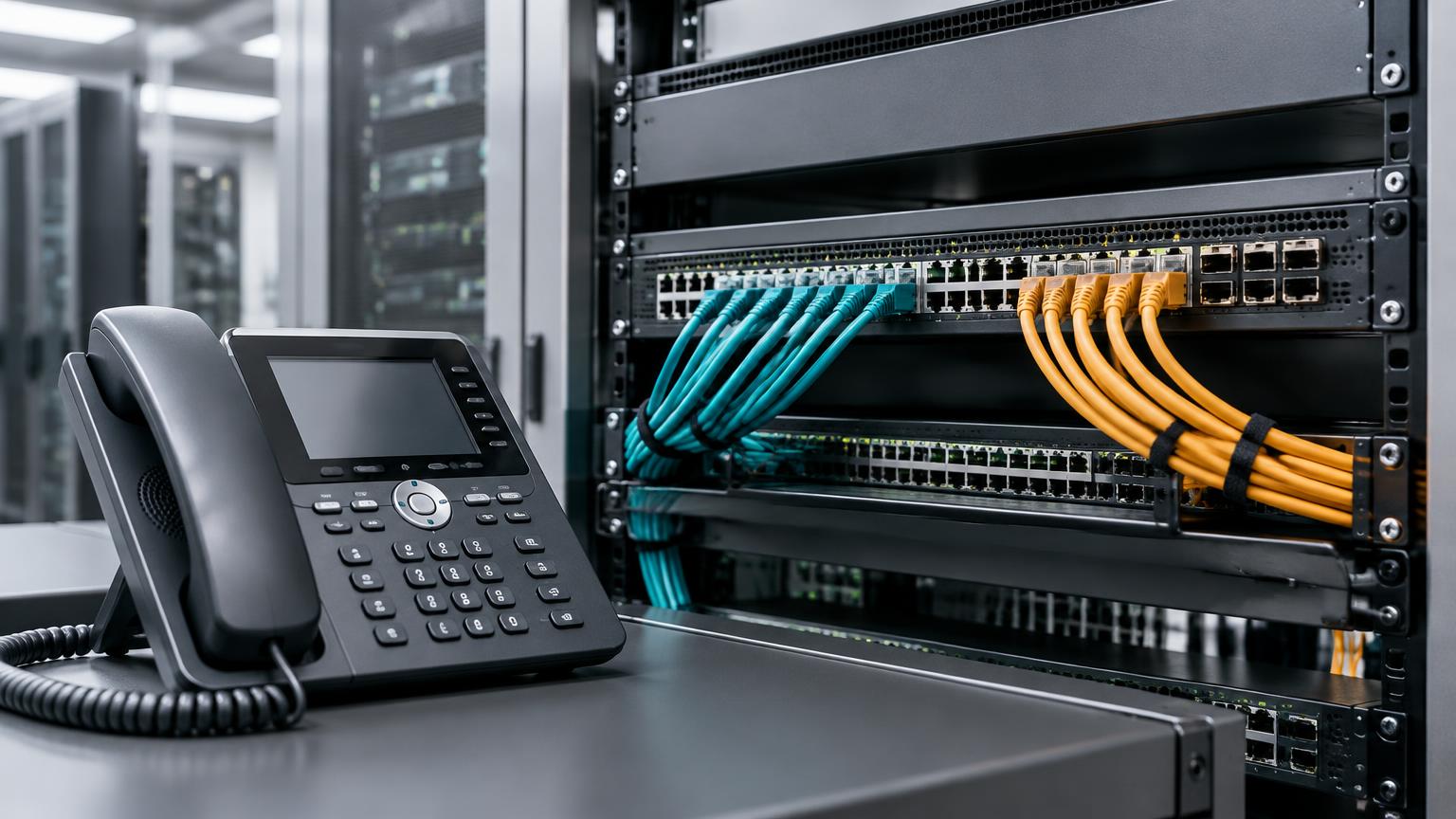
SIP trunk channels limit how many calls can be in progress at once; calls per second (CPS) limits how quickly new calls can start. Buying more channels does not automatically increase CPS, and buying more DID numbers does not necessarily increase either limit.
For a contact center, PBX or voice application, size these resources separately. Otherwise, a trunk that looks large enough on paper can still reject a burst of calls.
| Term | What it represents | What it does not tell you |
|---|---|---|
| SIP trunk | A logical carrier connection for your PBX or application | A fixed number of simultaneous calls |
| Channel or concurrency limit | Capacity for call sessions or legs in progress | The allowed call-start rate |
| CPS | Allowed new call attempts per second under the provider’s definition | How many long calls can remain connected |
| DID number | A public number used to receive calls | Unlimited inbound capacity |
| Agent or extension | A person or endpoint using the phone system | The number of carrier call legs needed |
Providers may count ringing, connected and held calls differently. Account limits can also apply across several SIP logins, while individual trunks or DIDs have lower caps. The channel and concurrency explanation here illustrates why these limits must be checked independently.
Suppose a hypothetical trunk permits 300 concurrent calls but only five new attempts per second. Launching 100 attempts at once can exceed the CPS limit even when no calls are currently connected.
At a steady five attempts per second, initiating 100 attempts takes about 20 seconds, assuming the provider measures CPS that way and no other traffic shares the allowance. Burst policies, failed attempts and retries can change the result.
This is an illustration, not a VoxioTelecom package or a promised capacity. Confirm the approved limits for your account and each route before designing a launch.
For an initial estimate, multiply the rate at which counted calls enter the system by the average time they occupy capacity.
Average occupied channels ≈ counted calls per second × average occupancy in seconds
For example, two calls entering per second and occupying channels for an average of 90 seconds produce about 180 occupied channels in steady conditions. If the provider counts ringing attempts, include ringing time and failed attempts in your occupancy model rather than using answered talk time alone.
This estimates an average, not a safe peak limit. Traffic arrives unevenly; long calls, retries and queueing can increase occupancy. Use measured busiest-period traffic and a suitable capacity model for your acceptable rejection rate instead of treating the average as sufficient headroom.
An attended transfer can temporarily create more than one external call leg. A conference may also involve several carrier legs. Twenty agents therefore do not always mean twenty channels.
Map the actual call flow: inbound customer leg, outbound consultation leg, conference and any failover leg. Ask whether held calls remain counted, whether inbound and outbound share capacity, and whether your PBX consumes additional legs during a transfer.
Do not infer transfer support from available channels. SIP REFER behavior and carrier bridging capabilities need separate confirmation on the intended trunk.
A trunk may have spare channels while the access link is congested. Estimate bandwidth using the negotiated codec, packetization, transport overhead and media path, then account for traffic in both directions.
For context, Twilio’s trunking requirements use a planning allowance of 100 kbps per simultaneous G.711 call. That is a provider example, not a universal guarantee or a VoxioTelecom bandwidth specification. Measure your own deployment and leave room for other traffic and bursts.
Send support the following information before raising traffic:
Check the assigned account limit in the portal and confirm any trunk-specific or destination-specific limits with support. Do not assume that creating another SIP login bypasses the account’s total allowance.
Use authorized destinations and raise traffic in measured steps. Observe setup failures, occupied calls, audio quality and the call records. Pace retries so that failed attempts do not amplify a CPS problem.
A SIP 503 response does not prove a concurrency fault: it can also reflect routing or upstream availability. Use the SIP 503 troubleshooting checklist to correlate the response with the real limit and logs.
For budgeting, compare the billing increments as well as headline rates. Capacity is a service limit; prepaid funds are a separate requirement, and neither replaces the other.
How many channels are in a SIP trunk? There is no universal number. Capacity depends on the provider’s account, trunk and route configuration; check the approved simultaneous-call limit.
Is CPS the same as concurrent calls? No. CPS controls the rate of new attempts, while concurrency controls calls or legs already occupying capacity.
Do 100 agents need exactly 100 channels? Not necessarily. Transfers, conferences, inbound calls and ringing attempts can require additional legs, depending on how the system counts them.
Does adding DID numbers increase SIP trunk capacity? Not automatically. DID count, per-number inbound limits and total trunk capacity are separate settings.
Create an account to browse the full A-Z deck in your portal — Premium CLI and Standard clearly labelled, searchable by prefix or destination.