10 November 2026 VoxioTelecom
DID Number vs Caller ID: Inbound Numbers and Outbound CLI
Understand DID numbers, caller ID and SIP trunks: what receives calls, what appears on outbound calls, and how to test inbound service and authorized CLI.
Understand DID numbers, caller ID and SIP trunks: what receives calls, what appears on outbound calls, and how to test inbound service and authorized CLI.
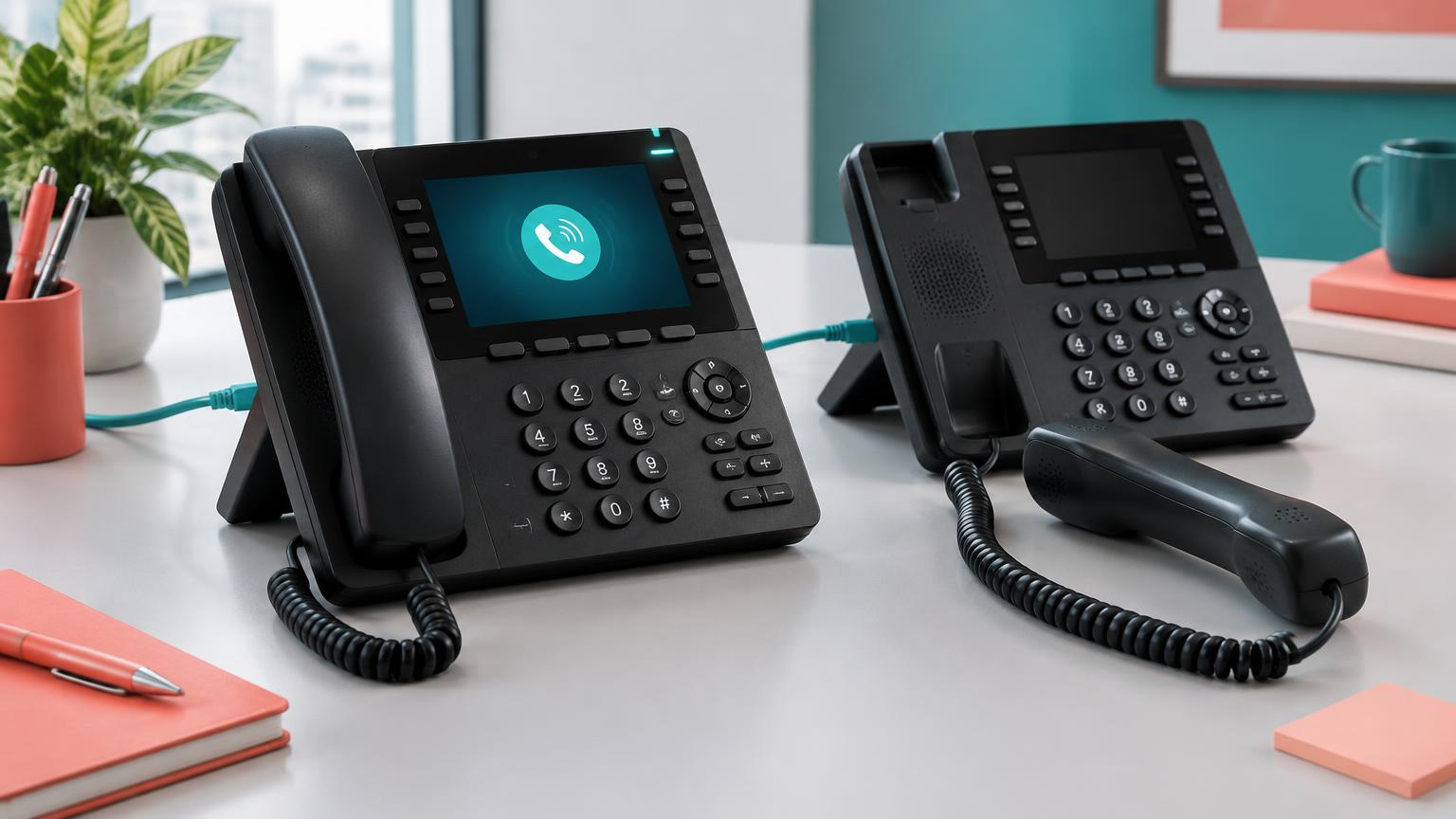
A DID number receives calls; caller ID identifies an outbound call to the recipient. They can use the same telephone number, but buying a DID does not automatically guarantee that every outbound route will present it, show your company name or receive a particular identity attestation.
For wholesale VoIP buyers, keeping these functions separate avoids a common mistake: purchasing an inbound number when the actual problem is outbound caller-ID delivery.
| Item | Main purpose | What to verify |
|---|---|---|
| DID number | Let people call a public number and reach your service | Allocation, inbound routing, capabilities and number-specific limits |
| Caller ID / CLI | Present the originating identity on an outbound call | Authorization, accepted format and route behavior |
| SIP trunk | Connect your phone system with the carrier | Authentication, destinations, media and approved capacity |
| Caller name | Display a name where the receiving network supports it | Relevant country, database and recipient-network behavior |
A business may route several inbound DIDs to one trunk or use different authorized caller IDs for different teams. The number count does not by itself define how many calls the trunk can handle; see channels versus CPS.
The caller dials your public number. The number’s carrier sends the inbound call toward the configured destination, which might be a SIP trunk, PBX or supported application endpoint. Your phone system then decides which extension, queue or other destination should ring.
The DID is not the SIP password or username. A working SIP login alone does not prove that the number is assigned or that inbound routing is complete. Conversely, an assigned DID can still fail to ring if the PBX rejects the inbound call or routes it to the wrong place.
Our DID-to-SIP routing guide covers the receiving side in more detail.
Your phone system submits an outbound request with calling-party identity information. The originating provider applies its identity policy, and downstream carriers may normalize, replace, suppress or reject identity information according to network policy and applicable rules.
Use only numbers your business owns or is authorized to present. A configurable field in a PBX is not proof of that authorization. Do not substitute an unrelated company’s or customer’s number to improve answer rates.
A route that delivers CLI reliably is still not a universal guarantee for every recipient network. Test the intended destination and the exact authorized number before sending volume. Our CLI delivery test guide explains a controlled testing approach.
No. Voice reception, SMS capability and third-party verification acceptance are separate properties. A voice-enabled DID can work perfectly for calls while not supporting SMS at all.
Even an SMS-capable number may be rejected by a third-party platform. That platform’s policies, number classification and previous number history are outside a voice provider’s guarantee. Buy a number for its explicitly stated service, not for an assumed ability to register accounts elsewhere.
Provider documentation also separates number type, country and capabilities when describing rental costs; see Twilio’s number-cost explanation. Those are general buying considerations, not Twilio pricing applied to VoxioTelecom.
Read the specific offer and your delivery ticket. A stock-backed allocated number and an immediately created SIP trunk are different milestones: neither should be confused with a successful inbound carrier test.
For VoxioTelecom’s operator-assisted instant offers, the workflow creates the SIP trunk and the team attaches the number within the stated five-minute delivery window. The delivery notice explains that the number may be changed within the following 12 hours if inbound service is not active. Stock-backed offers use their own allocation workflow; availability is shown for the individual offer.
Before publishing a new number on your website or distributing it to customers, place a controlled inbound test and confirm two-way audio. Check the current DID catalogue for the offer, number type, availability, charges and delivery conditions rather than assuming that every country or number follows the same process.
If inbound works but outbound identity does not, send support the UTC call time, call ID, authorized CLI and destination through the portal. If the call connects but one party cannot hear the other, use the one-way audio checklist rather than buying another number.
Is a DID number the same as caller ID? No. A DID is an inbound telephone number; caller ID is the identity presented on an outbound call. An authorized DID may also be used as caller ID when the provider and route permit it.
Do I need a DID to make outbound calls? Not always. Outbound termination and inbound number rental are separate services, but you still need to follow the provider’s calling-identity requirements.
Will my company name appear when I use my DID? Not automatically. Name display depends on country-specific mechanisms, receiving networks and any separately required registration or provisioning.
Does an instant SIP trunk mean inbound calls are already working? No. SIP credentials, number allocation and inbound routing are separate steps. Confirm the assigned number and complete an inbound test before advertising it.
Create an account to browse the full A-Z deck in your portal — Premium CLI and Standard clearly labelled, searchable by prefix or destination.