21 October 2026 VoxioTelecom Team
SIP Trunk vs VoIP: Differences, Costs & Which to Choose
Compare SIP trunking vs VoIP, hosted PBX and DID numbers. Learn what your business needs, how call costs work and how to test a VoxioTelecom SIP trunk.
Compare SIP trunking vs VoIP, hosted PBX and DID numbers. Learn what your business needs, how call costs work and how to test a VoxioTelecom SIP trunk.
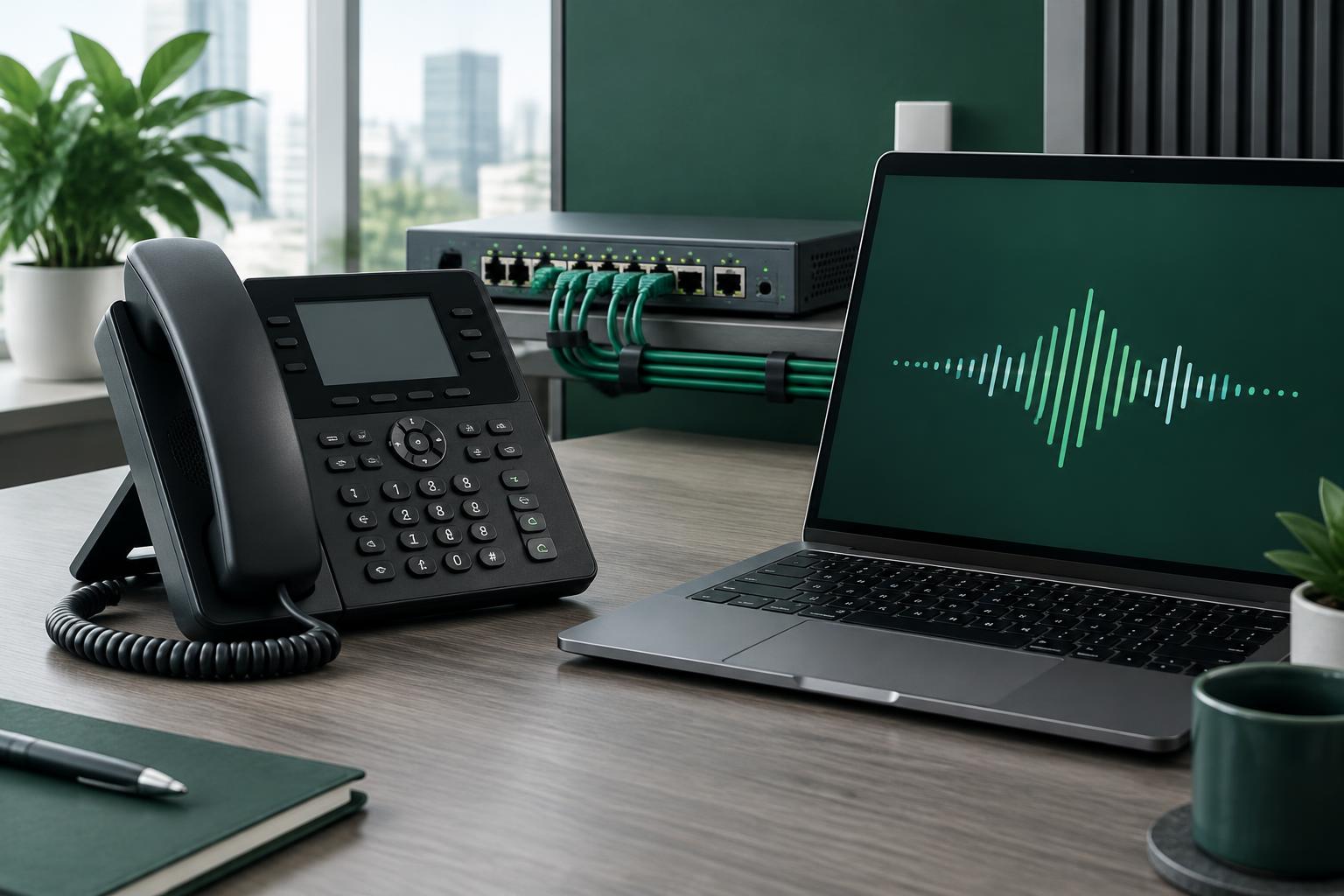
SIP trunking is a way to connect a phone system to a voice provider; VoIP is the broader technology for carrying voice over IP networks. They are not competing technologies. A SIP trunk is commonly one part of a VoIP deployment.
If you already use a PBX, business IP phone or SIP softphone, the useful question is not “SIP or VoIP?” It is: do you need a trunk for your own system, or a hosted phone service that manages the system for you? This guide explains the difference without treating a voice route, a telephone number and a phone application as the same product.
Voice over Internet Protocol describes voice communication over an IP network rather than an end-to-end traditional circuit-switched connection. A softphone, a business desk phone and a cloud phone service can all use VoIP.
VoIP does not describe one particular billing model or feature bundle. One provider might sell a hosted phone system with extensions and voicemail. Another might supply only outbound voice termination. Compare the actual service, not just the label.
A SIP trunk is a logical connection between your SIP-capable phone system and a telephony provider. Session Initiation Protocol handles call signalling, while the audio usually travels separately using RTP or an agreed secure media transport. SIP is defined in RFC 3261.
A trunk is not a physical cable and is not the same as a single concurrent call. The number of simultaneous calls depends on account limits, provider capacity, your system and the agreed service.
For example, a SIP softphone can send an outbound call through your trunk. A PBX can use a trunk for multiple extensions. An inbound DID needs separate routing so calls to that number reach the intended system.
| Question | SIP trunking | VoIP as a category |
|---|---|---|
| What does it describe? | A connection to a telephony provider | Voice communication over IP |
| Does it require a hosted PBX? | No; it can connect your own system | Not necessarily |
| Does it include telephone numbers? | Only if numbers are included or ordered separately | Depends on the product |
| Who manages extensions and voicemail? | Usually you or your PBX operator | Depends on the hosted service or application |
| How is it billed? | Often usage-based, sometimes with capacity or rental charges | Per user, per minute or another service-specific model |
| Is it automatically encrypted? | No; transport and media support must be confirmed | No; implementation matters |
Choose a trunk when you want control over your existing phone system. You manage extensions, dial plans, permitted destinations and integration with your applications. The provider supplies the voice connectivity covered by your agreement.
Choose a hosted PBX when you want the provider to manage the phone-system features. Check whether extensions, voicemail, call queues and support are included. Do not assume a low per-minute trunk rate includes those services.
A trunk can be economical for an established PBX, but it also places configuration and security responsibilities on its operator. A hosted service can reduce that workload, although its per-user price and feature restrictions may change the comparison.
A DID is a telephone number people can dial. A SIP trunk is connectivity. Buying an outbound trunk does not automatically allocate an inbound number, and buying a number does not by itself configure your phone.
For inbound calling, check the number's availability, activation requirements and delivery details, then configure the destination. See our DID-to-SIP routing guide. For outbound calling, use only a caller identity you are authorised to present. A submitted caller ID is not proof of number ownership or a guarantee that every terminating network will display it.
Start with the destinations you actually call. Compare the current rate for each prefix and route class, not an advertised starting price for an unrelated country.
Then check:
As an illustration, 61 seconds at $0.05 per minute costs approximately $0.0508 with pure per-second charging, but $0.10 with 60/60 rounding. This is a hypothetical calculation, not a VoxioTelecom rate or universal billing rule. Your actual route settings determine the charge.
Crypto is a payment method, not a different voice protocol. If funding your account with crypto, confirm the currency, network, invoice expiry and credited amount before transferring funds. Read how SIP trunk payments with USDT work.
Use the VoxioTelecom trunk creation guide or the MicroSIP setup walkthrough for detailed instructions. Check coverage for destinations and ask support to confirm any requirement that is not stated for your account.
Is SIP trunking the same as VoIP? No. VoIP is voice communication over IP networks; SIP trunking is a specific way of connecting a phone system to a provider.
Do I need a PBX to use a SIP trunk? Not always. A compatible SIP softphone can use trunk credentials, while a PBX is useful when managing multiple extensions, routing rules or integrations.
Does a SIP trunk include a DID number? Not automatically. Check the product details and order an inbound number separately when required.
Is SIP trunking cheaper than hosted VoIP? It depends on traffic, destination rates, billing increments and the cost of managing your own phone system. Compare total costs for the same usage.
Review voice services, check destination coverage, then test a small amount of traffic before choosing a production setup. Bring your destination list and expected simultaneous calls to LiveChat so the discussion is based on your actual requirements.
Create an account to browse the full A-Z deck in your portal — Premium CLI and Standard clearly labelled, searchable by prefix or destination.